
 Entry
Entry Dashboard
 Contacts
 Properties
 Email
Email Calendar
 Tasks
Tasks Acquisition Cockpit
 Audit-proof mail archiving
 Automatic brochure dispatch
 Billing
 Groups
 Intranet
 Marketing Box
 Marketplace
 Multi Property module
 Multilingual Module
 onOffice sync
 Presentation PDFs
 Process manager
 Project Management
 Property tracking
 Property value analyses
 Enquiry Manager
 Showcase TV
 Smart site 2.0
 Statistic Tab
 Statistics toolbox
 Success Cockpit
 Time Tracking
 Address from clipboard
 Text block
 Customer communication
 External Tools
 Favorite links
 Calculating with formulas
 Mass update
 onOffice-MLS
 Portals
 Property import
 Quick Access
 Settings
 Templates
 Step by step


You are here: Home / Additional modules / Marketplace / Provider overview / Ogulo - 360° tour

Marketplace
Ogulo – 360° tour
Ogulo provides you with both the hardware and the digital solution for creating high-quality 360° tours. This makes your property come alive.
If Ogulo is enabled in the Marketplace, you’ll find the service in the property under the “Files” tab in the Marketplacecategory.
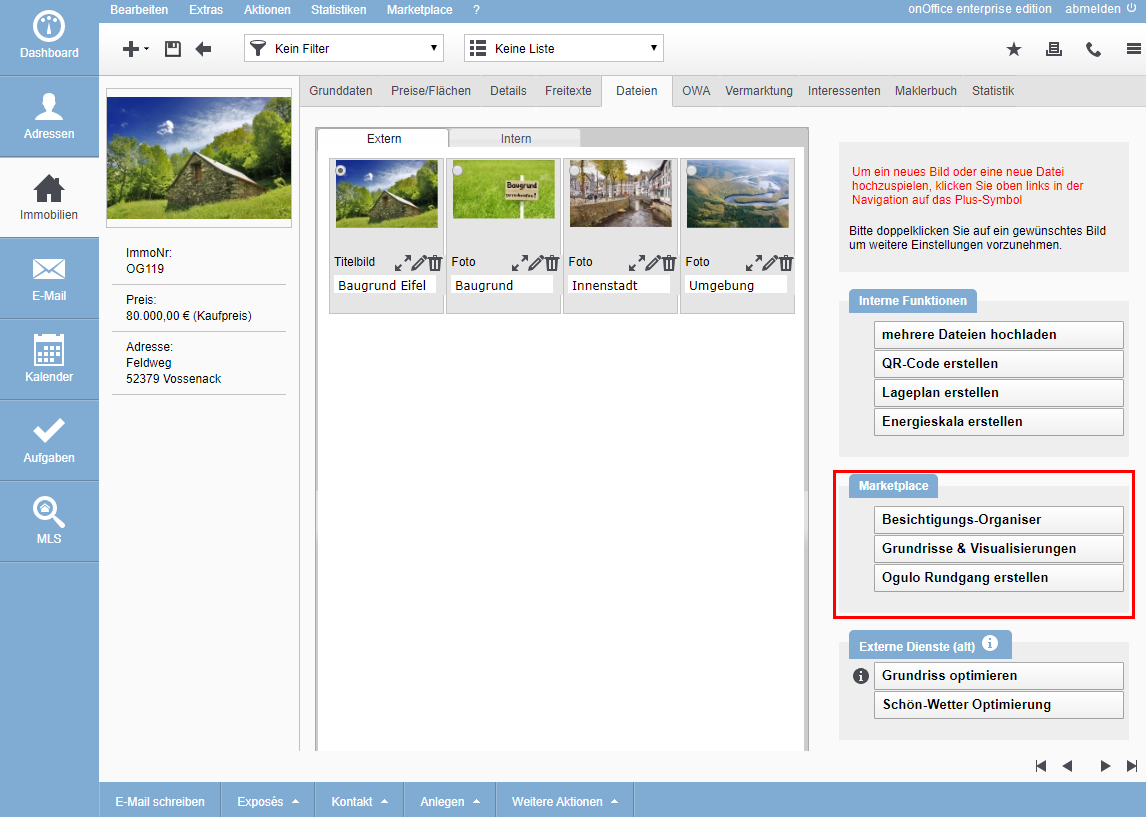
By clicking on the button “Create Ogulo tour” you call the service of Ogulo.
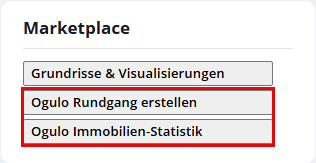
The pop-up to Ogulo opens. Here you can immediately create the presentation for the 360° tour.

In this screen you create floors and other areas, upload the shots and publish the presentation.
Link users
In the Ogulo pop-up, the “Link existing user” button appears in the upper right corner. With this function you link your existing Ogulo profile with onOffice and can synchronize both profiles. The provider will guide you through the appropriate steps.
Subsequently link an existing tour to a property
The linking of the property is a prerequisite for the correct processing of the tours in onOffice. Only if the property is correctly assigned at Ogulo, you can send the invitation to a 360° tour from onOffice.
You can subsequently assign your property from onOffice enterprise in the settings of a 360° tour. For this purpose, the PropNo. with the onOffice interface must be entered there as “External connection”.