
 Entry
Entry Dashboard
 Contacts
 Properties
 Email
Email Calendar
 Tasks
Tasks Acquisition Cockpit
 Audit-proof mail archiving
 Automatic brochure dispatch
 Billing
 Groups
 Intranet
 Marketing Box
 Marketplace
 Multi Property module
 Multilingual Module
 onOffice sync
 Presentation PDFs
 Process manager
 Project Management
 Property tracking
 Property value analyses
 Enquiry Manager
 Showcase TV
 Smart site 2.0
 Statistic Tab
 Statistics toolbox
 Success Cockpit
 Time Tracking
 Address from clipboard
 Text block
 Customer communication
 External Tools
 Favorite links
 Calculating with formulas
 Mass update
 onOffice-MLS
 Portals
 Property import
 Quick Access
 Settings
 Templates
 Step by step


You are here: Home / Extras / Customer communication / Newsletter

Customer communication
Newsletter

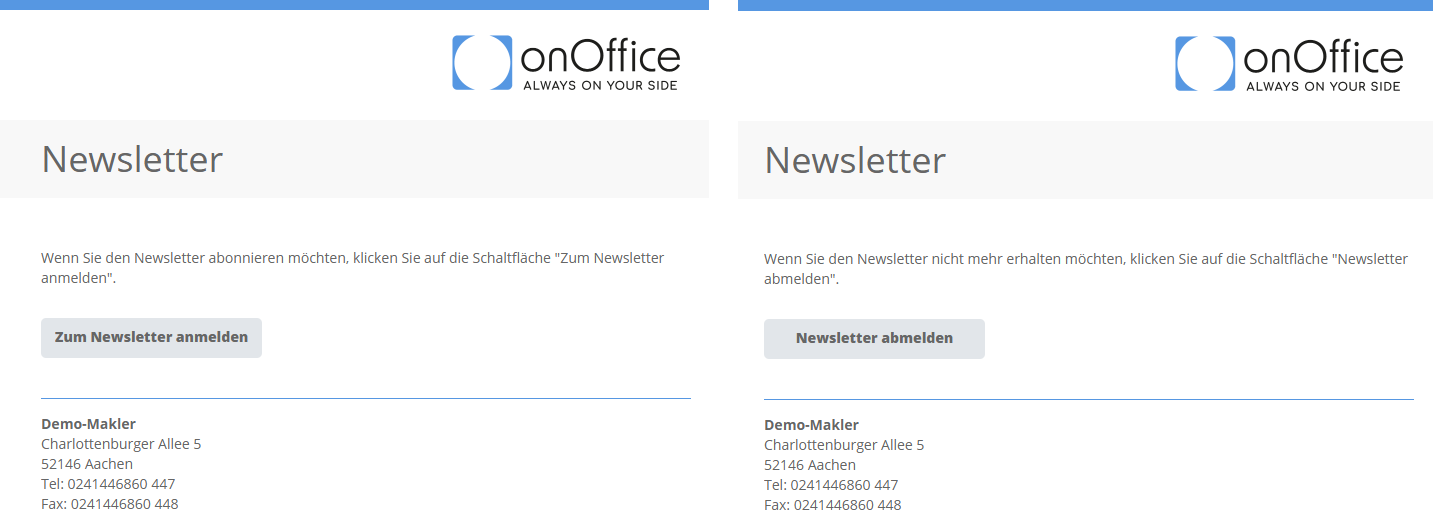
Customers can use the “_Newsletterlink” macro in an e-mail to both subscribe to and unsubscribe from newsletters. The option offered depends on the entry in the “Newsletter” field in the “Administration” category under “Basic data” of the contact record. The text shown cannot be customized.
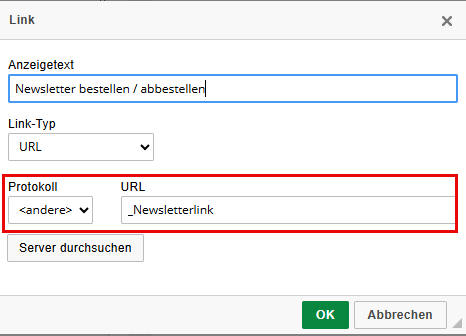
The _Newsletterlink macro can be hidden behind a text. To do this, use the link symbol in the CK editor in your template or insert the link using CTRL+K (MacOS: cmd+K):
Contact data completion
When using the contact data completion to query the newsletter status, your customer can choose between “Subscribe to newsletter” and “Unsubscribe from newsletter”. The texts can be customized under .
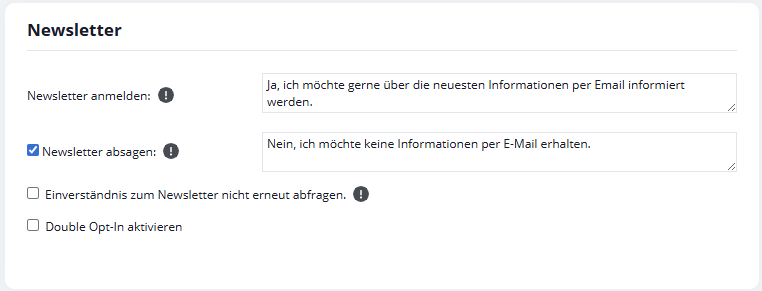

Query about the withdrawal/ agreementLink
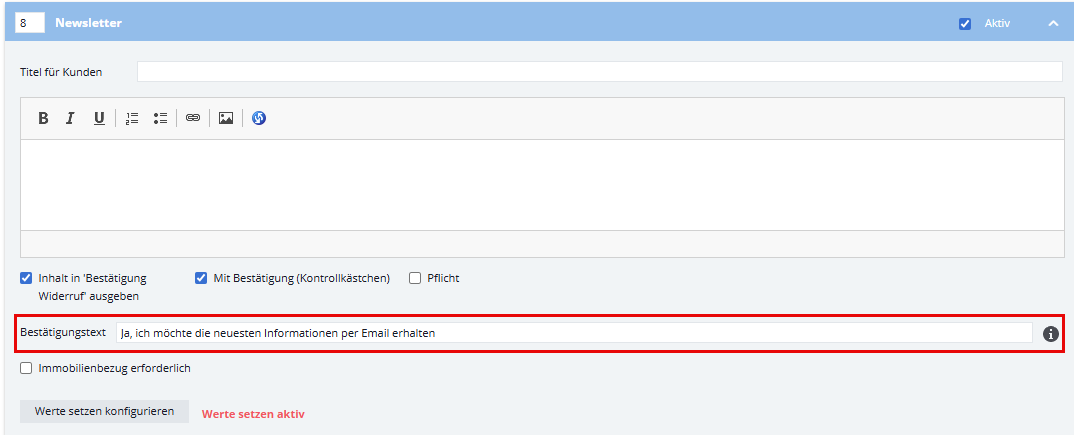
The _agreementLink macro can also be used to request consent to receive a newsletter when responding to inquiries. The texts can be customized under Extras → Settings → Basic settings → Withdrawal or the corresponding group settings → Withdrawal.

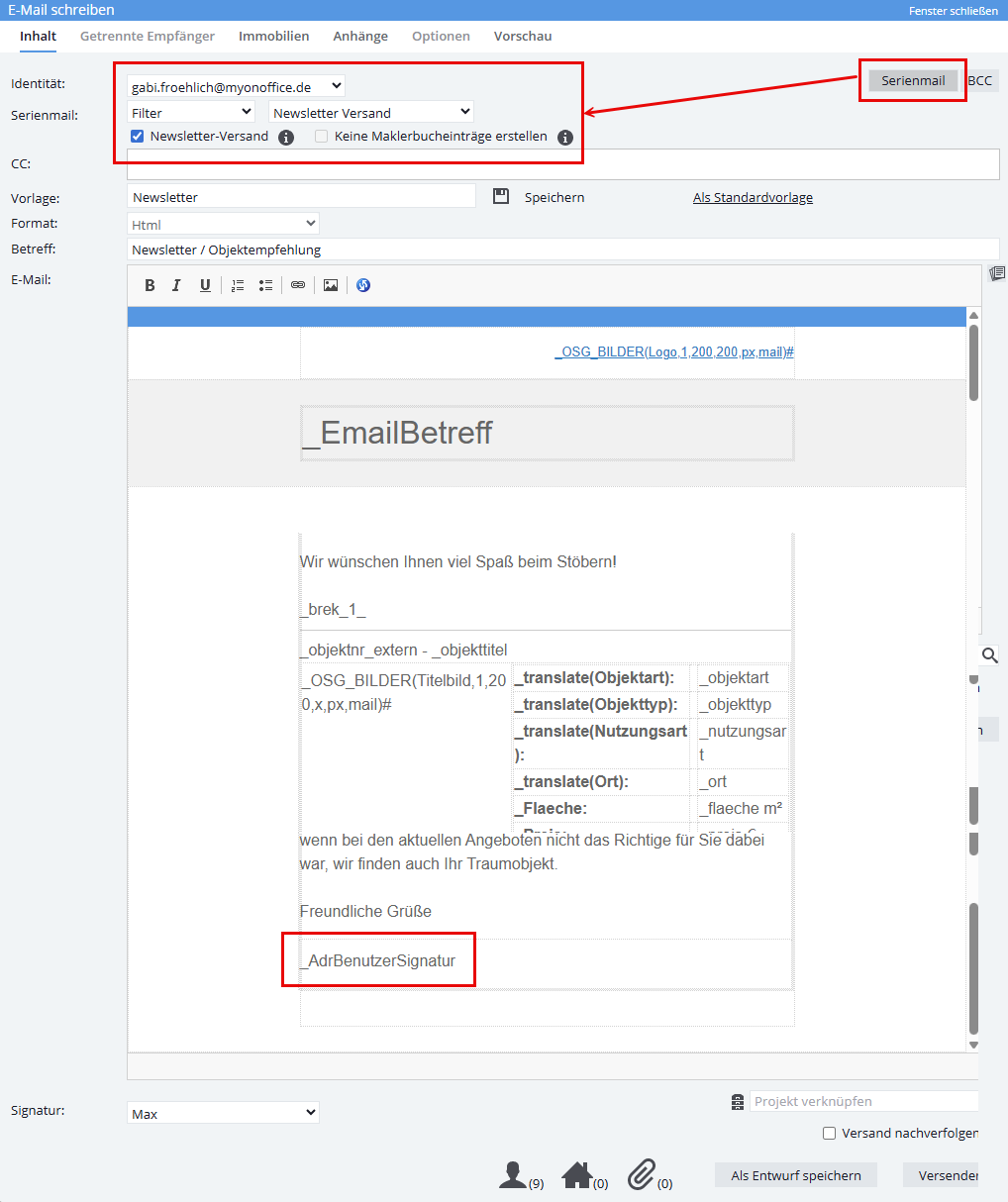
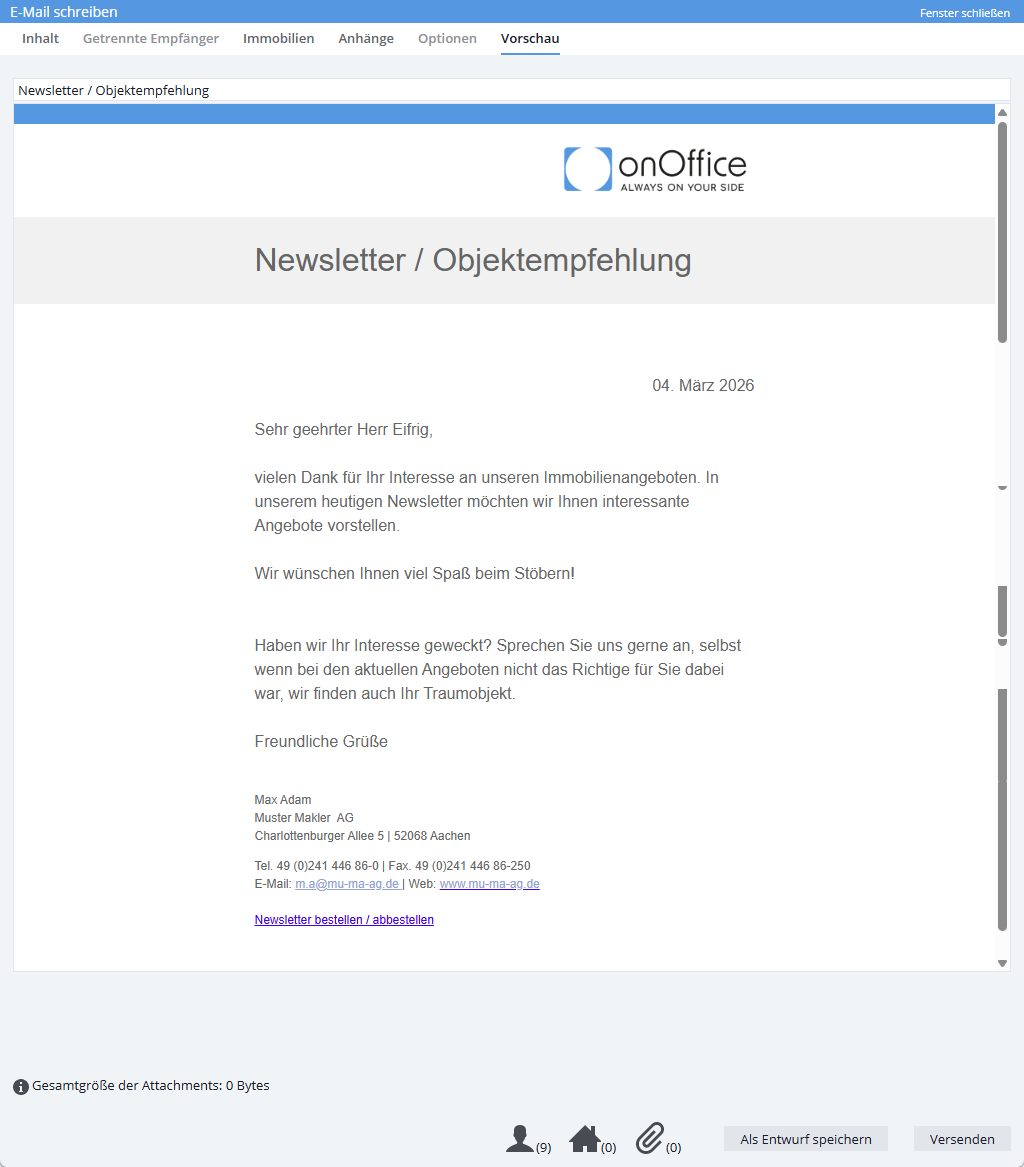
In this example, the _Newsletterlink macro is located in the user’s signature.